Leapman
Defuse every bomb in the tower
Leapman is a free 1980s home computer-style platform game for Windows and Linux. Climb 30 levels, then build your own.
Download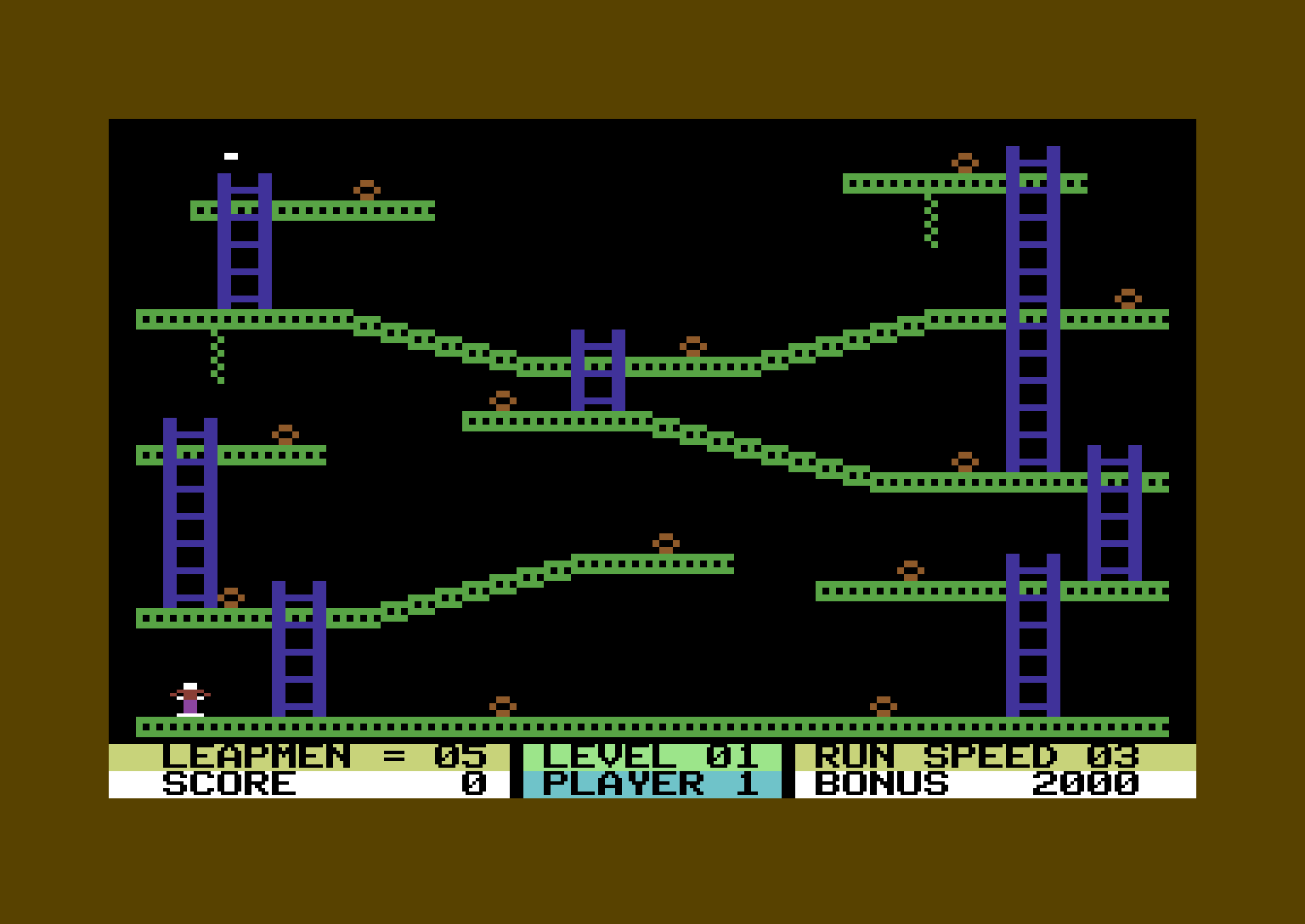
What is in the game All of it comes with the download.
30 levels in three towers
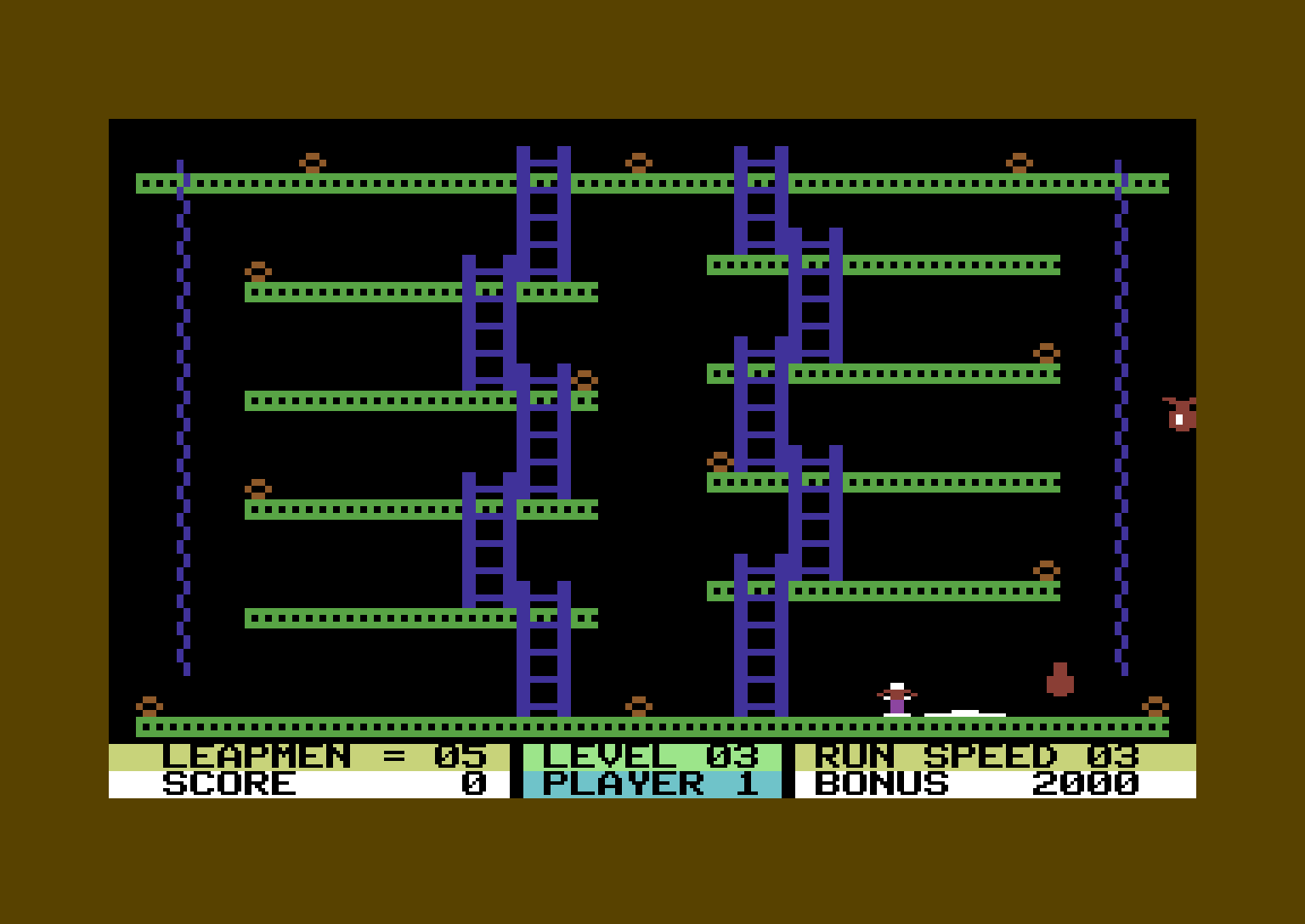
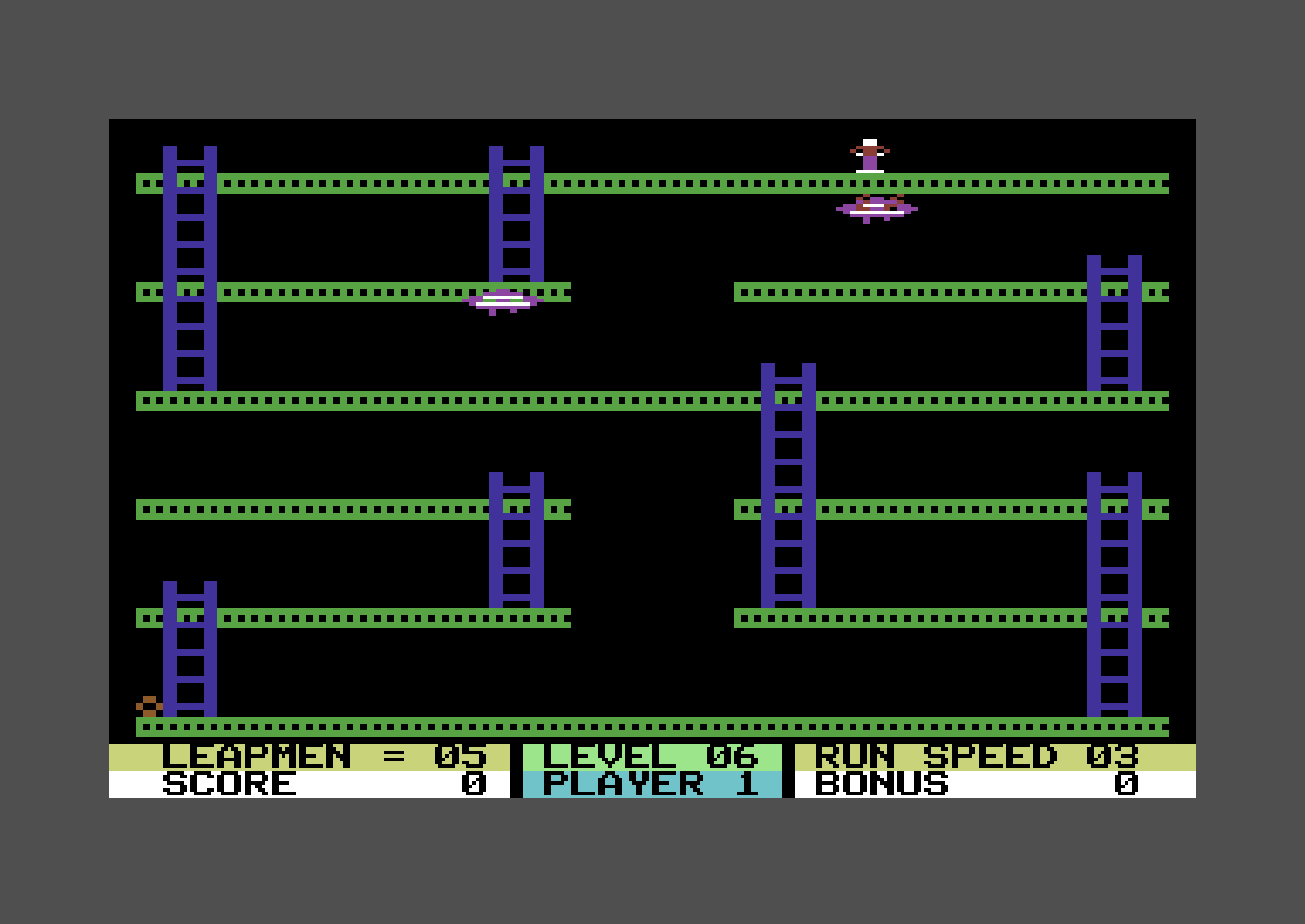
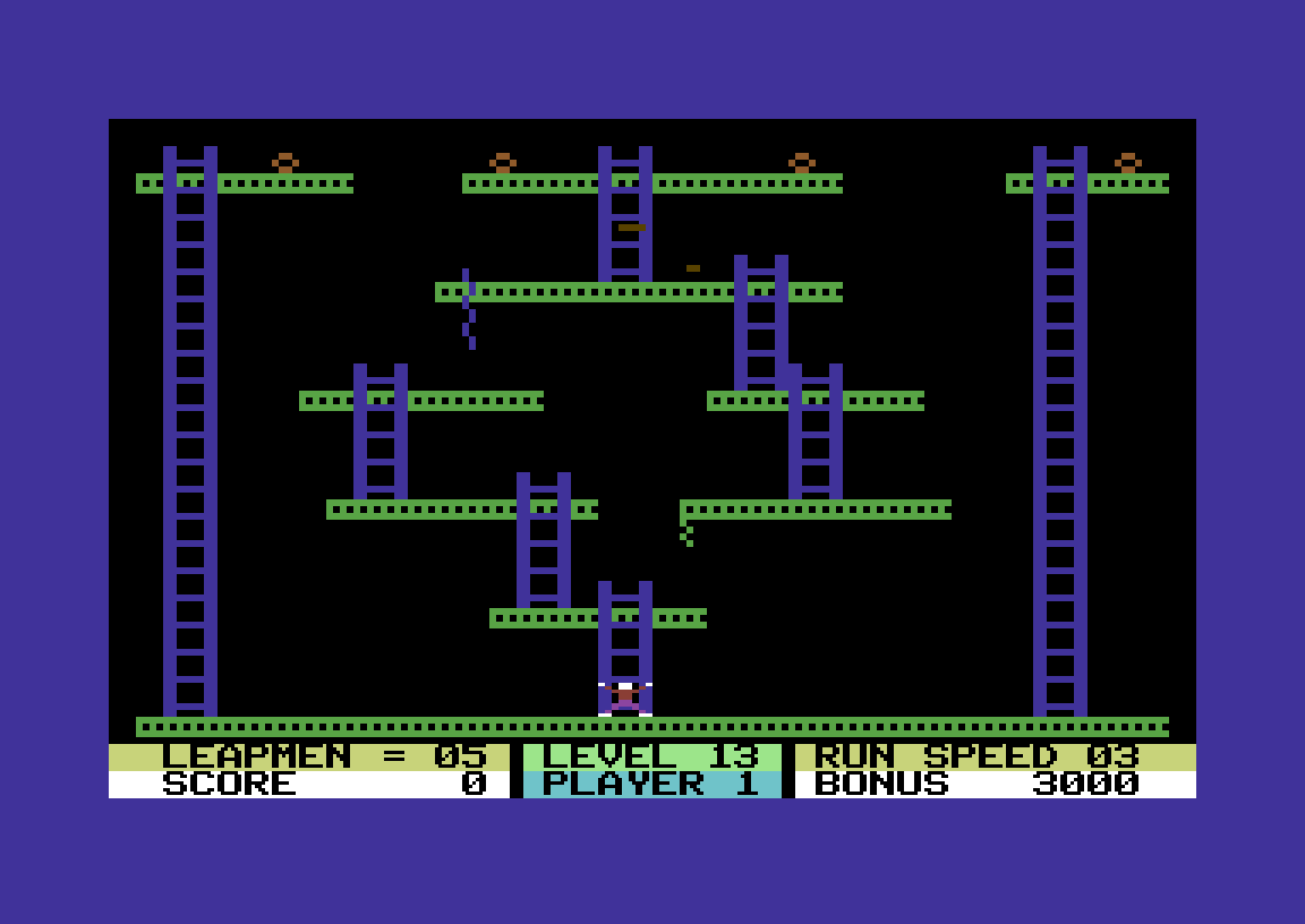
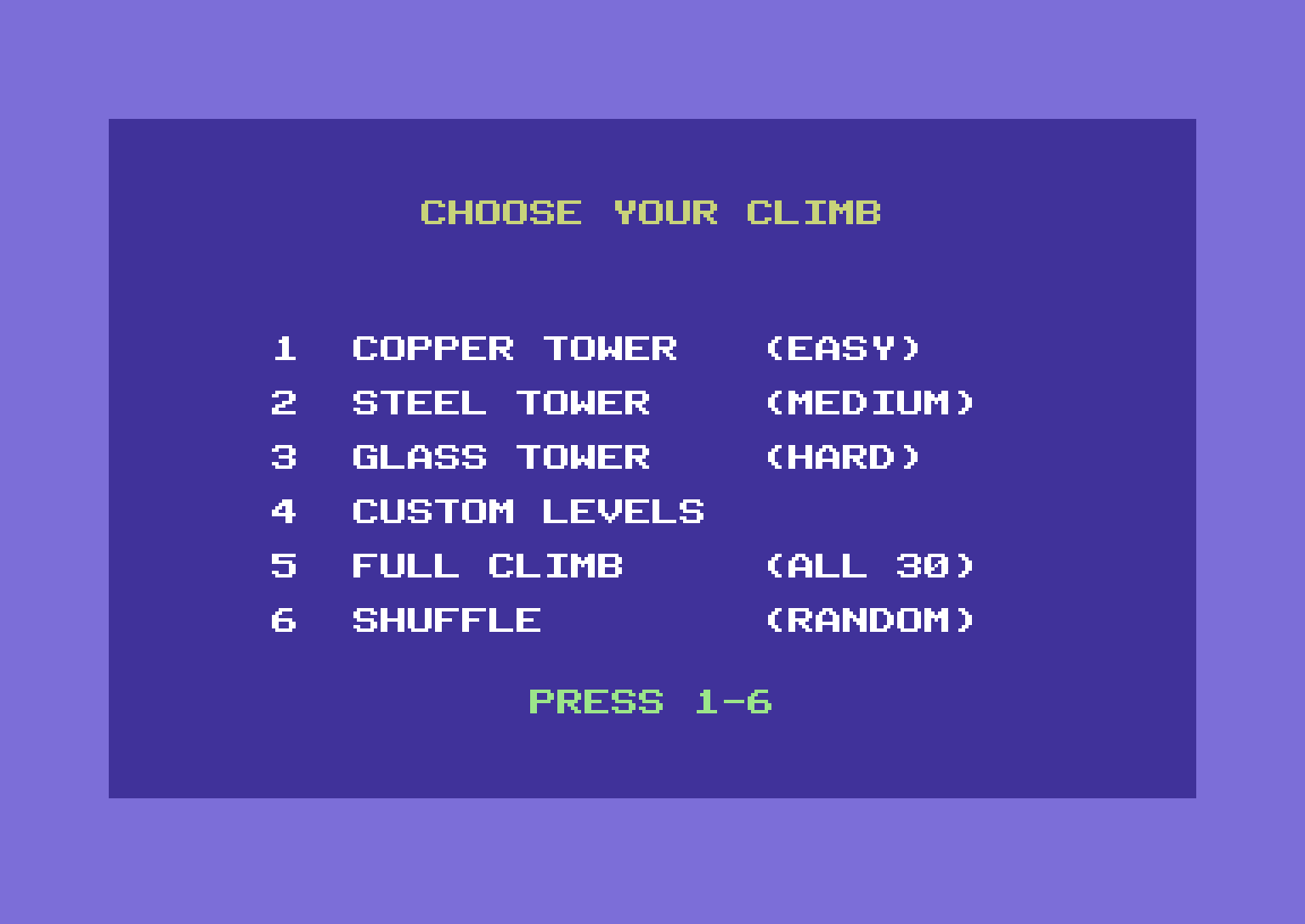
The Copper tower has 8 easy levels. The Steel tower has 10 medium levels. The Glass tower has 12 hard levels. Play one tower, the full climb of all 30, or a shuffle.
A new danger on each level
Darts fly at you on many levels. Then come robots, bats, flying saucers, falling steel, sparks, dragons, rolling barrels and gunmen. Each level has a rule of its own.
Bombs that change the level
Take every bomb to clear a level. Some bombs add a ladder or a rope. Others cut a floor away. In the puzzle levels, the wrong order can shut you in.
A level builder
Build your own levels with the keyboard, and try them while you build. Send a level to a friend as one small file.
1 to 4 players
The players take turns. The turn passes after a lost life or a cleared level. Each player has 5 lives, and the game keeps the high scores.
Your speed, your picture
Eight hero speeds, with steps of a tenth between them. A 60 Hz or a 50 Hz picture, TV-shaped or square pixels, and three border sizes. You can change the keys.
Three towers Each tower is harder than the one before. The full climb plays all 30 levels in order.
Copper tower
Easy · levels 1 to 8
- First Shift
- Assembly Line
- Drop Forge
- Trip Hammer
- Graveyard Shift
- Rivet Gun
- Hod Carrier
- Tower Crane
Steel tower
Medium · levels 9 to 18
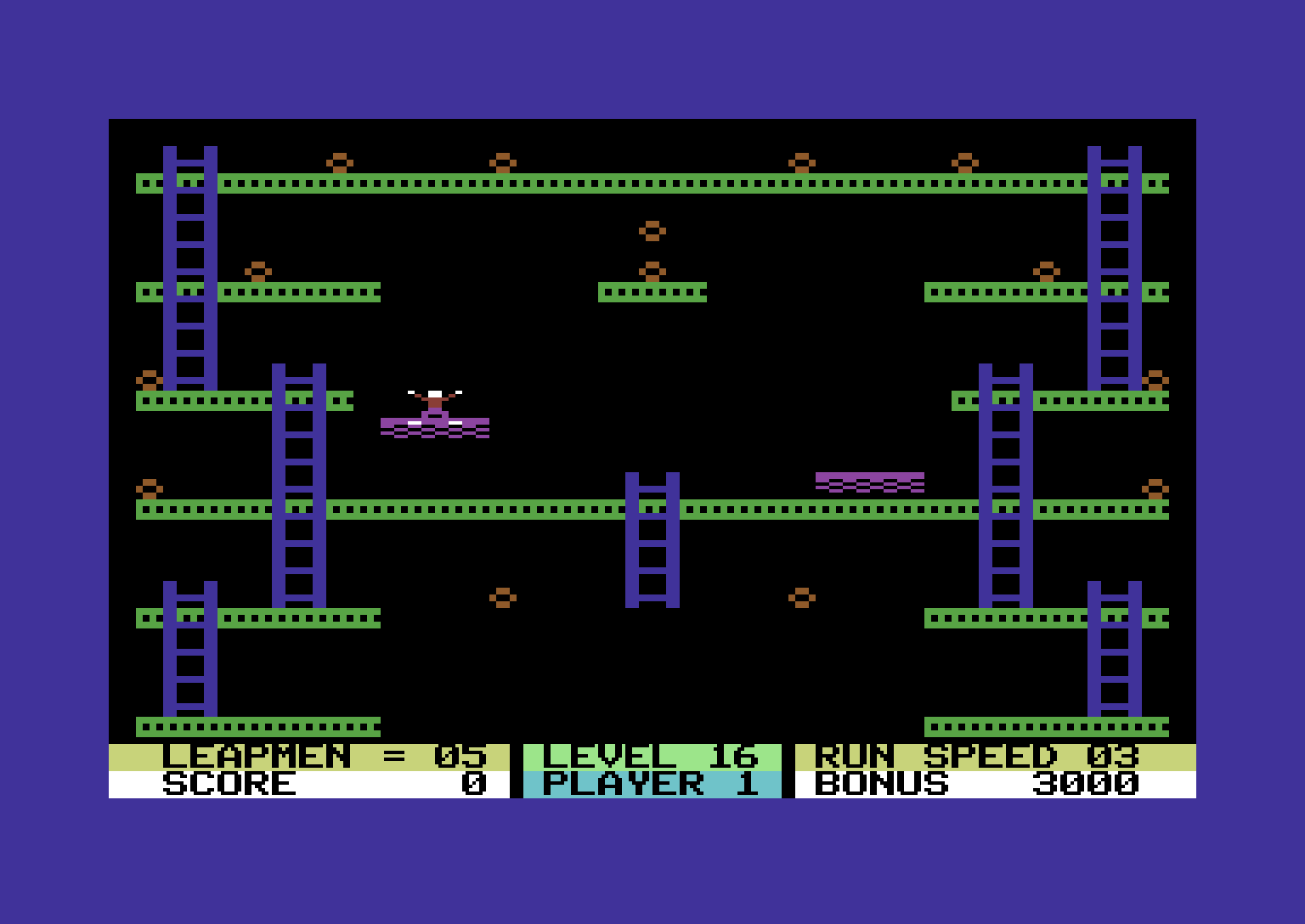
- Hard Hat
- Hot Work
- Rolling Mill
- Walking Beam
- Spark Shower
- Thermic Lance
- Tool Crib
- Skip Hoist
- Crowbar
- Loading Dock
Glass tower
Hard · levels 19 to 30
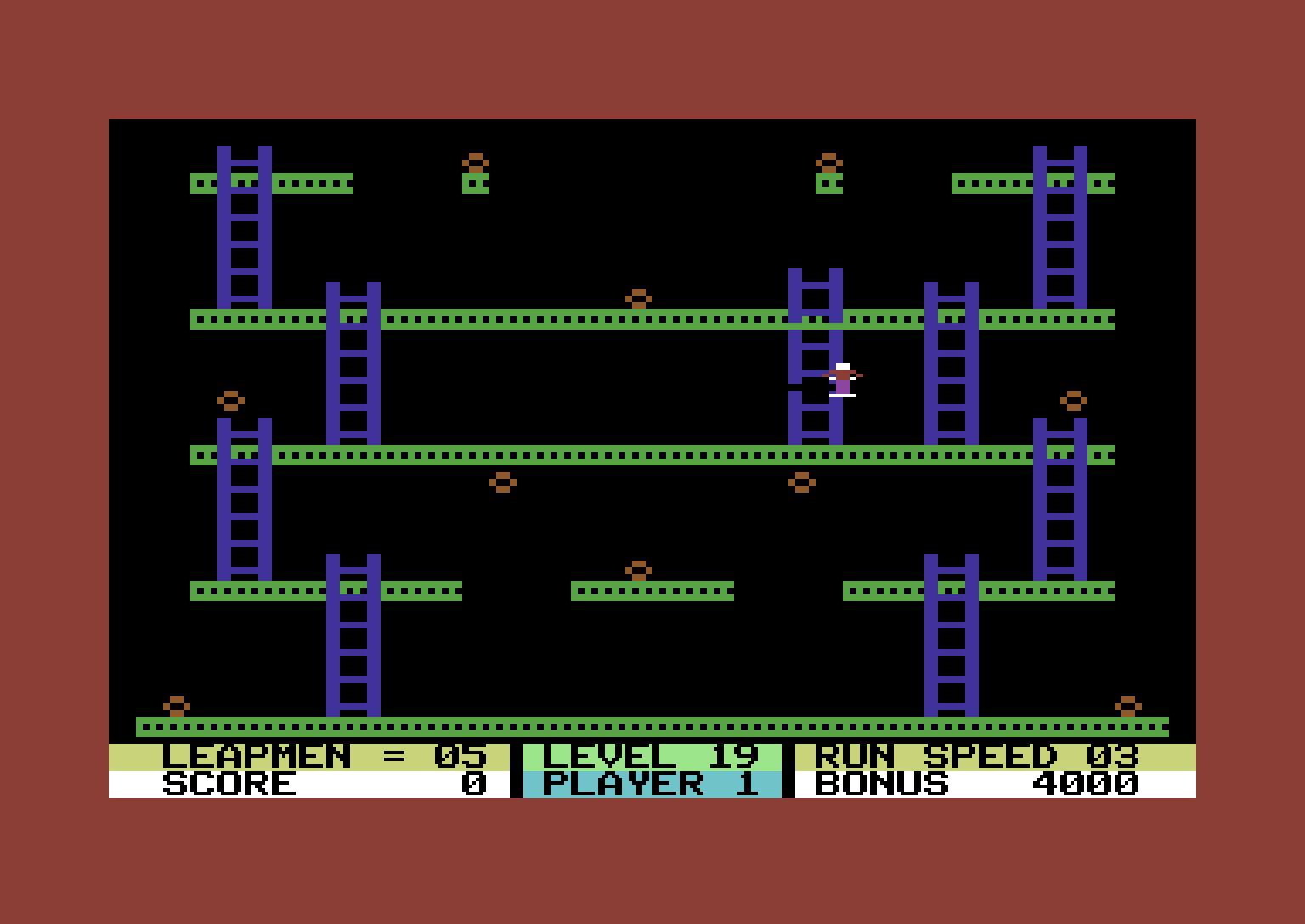
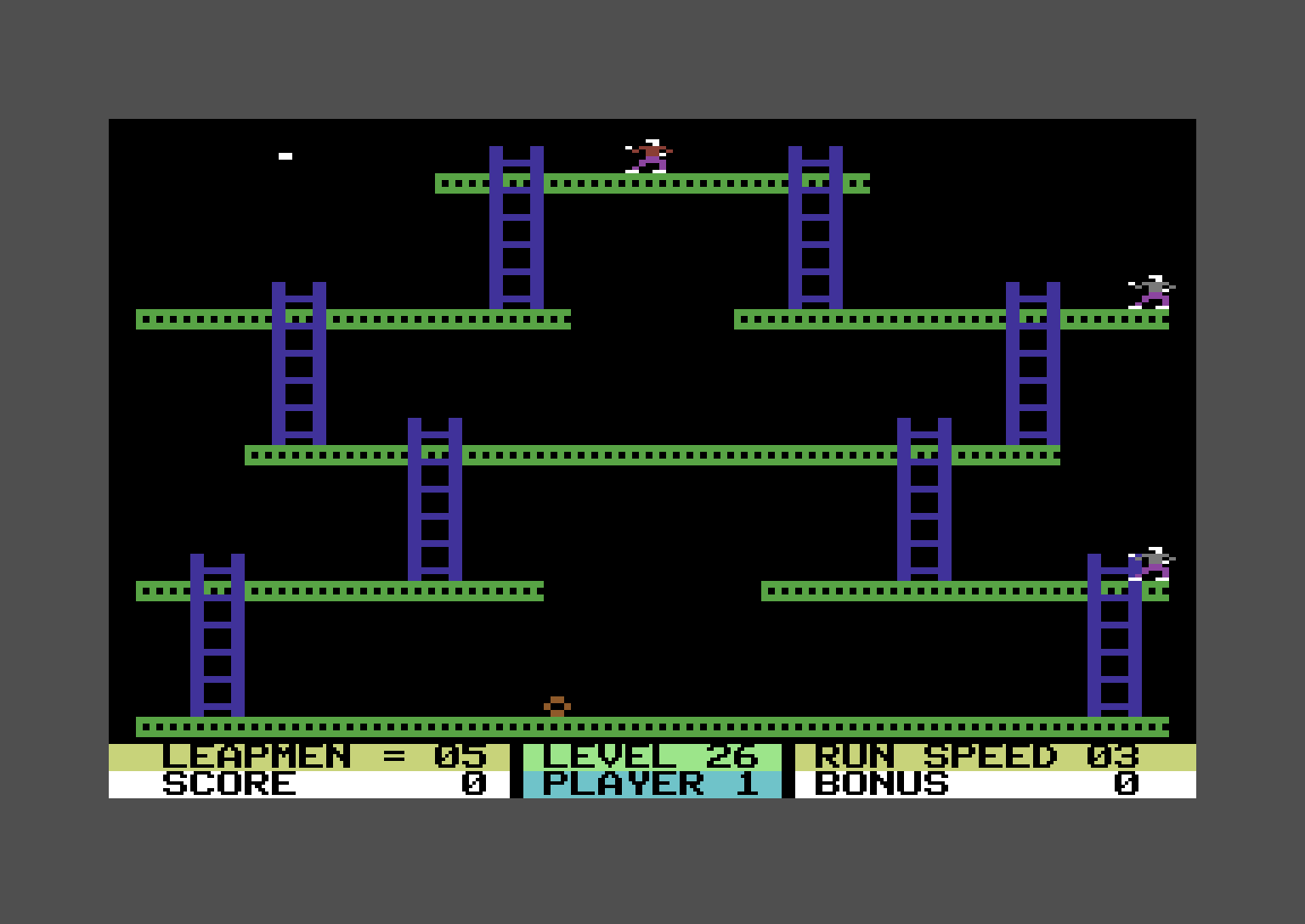
- Cherry Picker
- Bolt Cutter
- Jump Form
- Cold Chisel
- Tag Line
- Chain Fall
- Crawl Space
- Shot Firer
- Straw Boss
- Curtain Wall
- Buck Hoist
- Topping Out
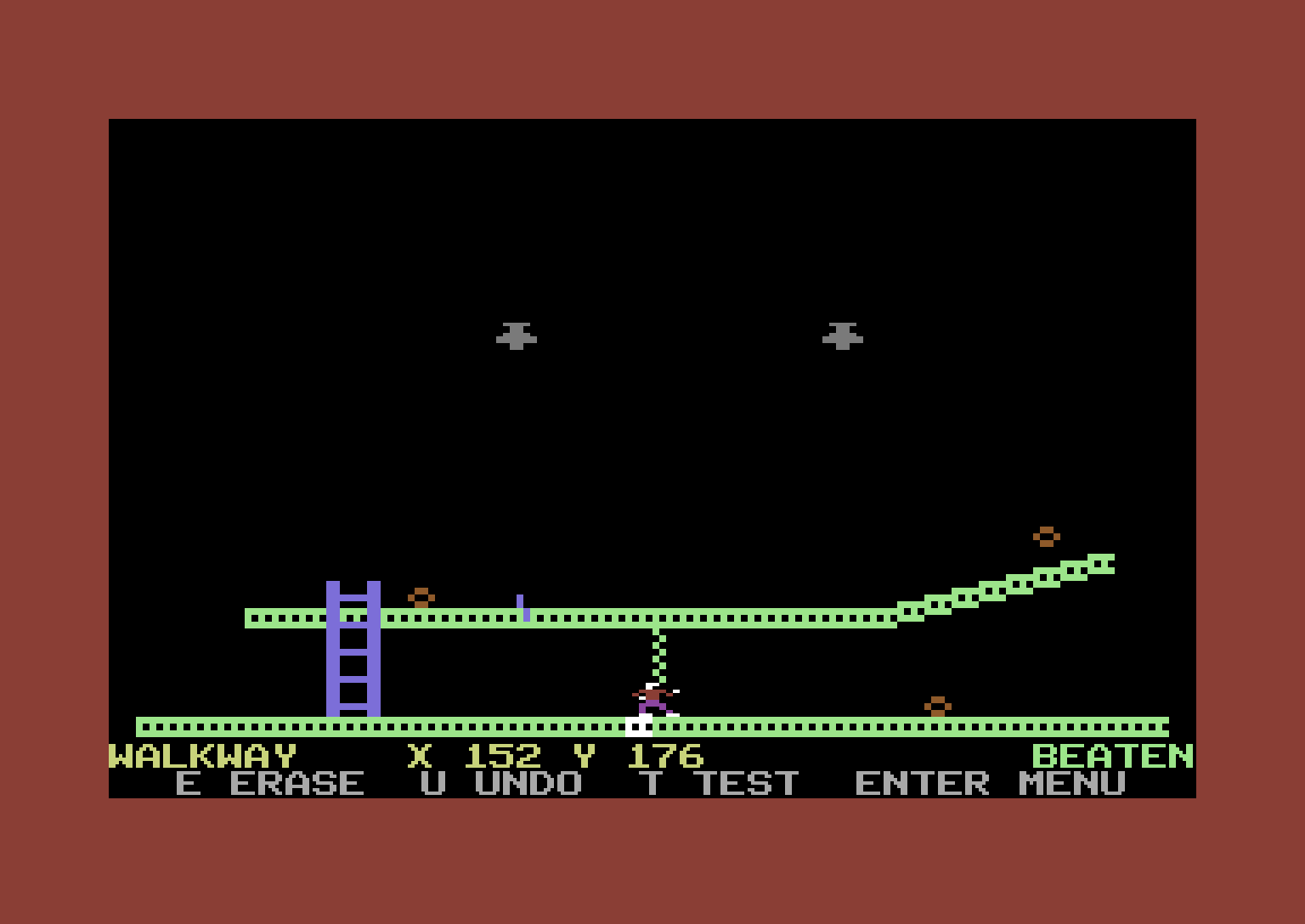
Build your own levels Press B on the title screen.
- Draw the level. Put down walkways, slopes, ladders, ropes, bombs and darts. Hold the jump key and move to draw. E erases, and U takes back as many as 200 changes.
- Add a danger. A level can have falling bombs, jumping blocks, hailstones, bats or birds, burning floors, and scenery that is dark or disappears. Almost every part can have a color of its own.
- Try it. T plays the level from the builder. You must beat a level before you can export it.
- Share it. EXPORT makes one small file. Your friend saves it in the Downloads folder and presses I on the title screen.
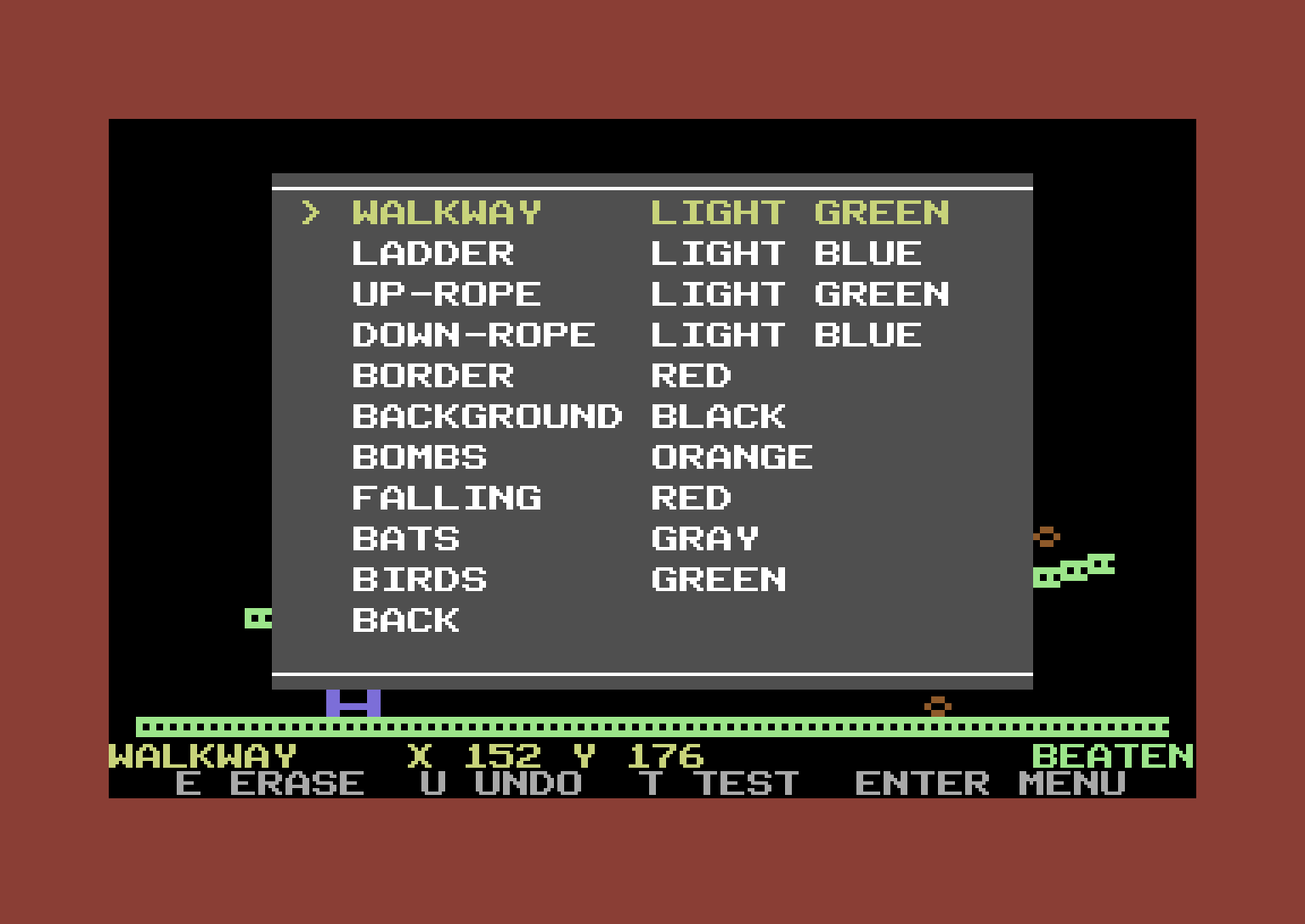
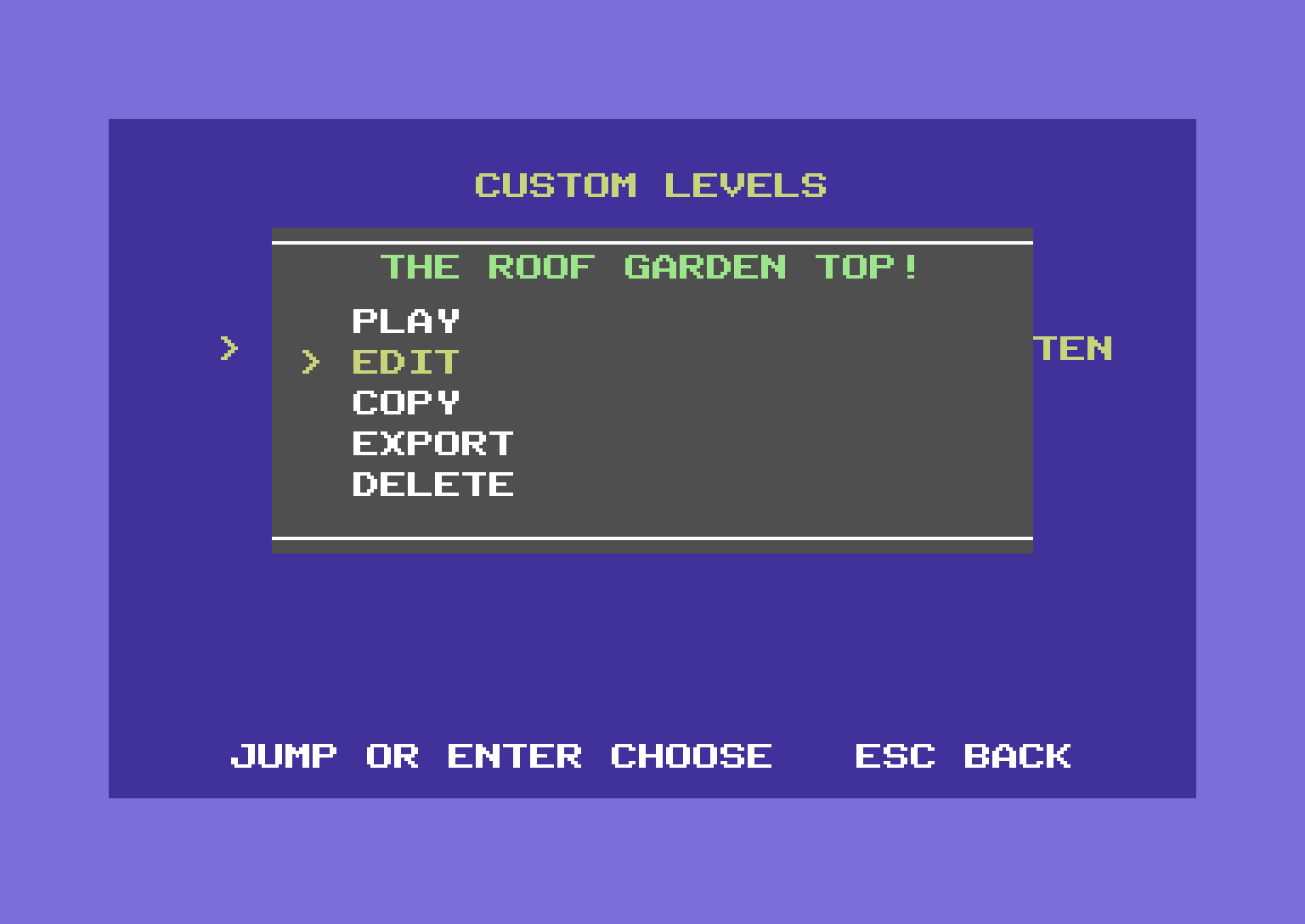
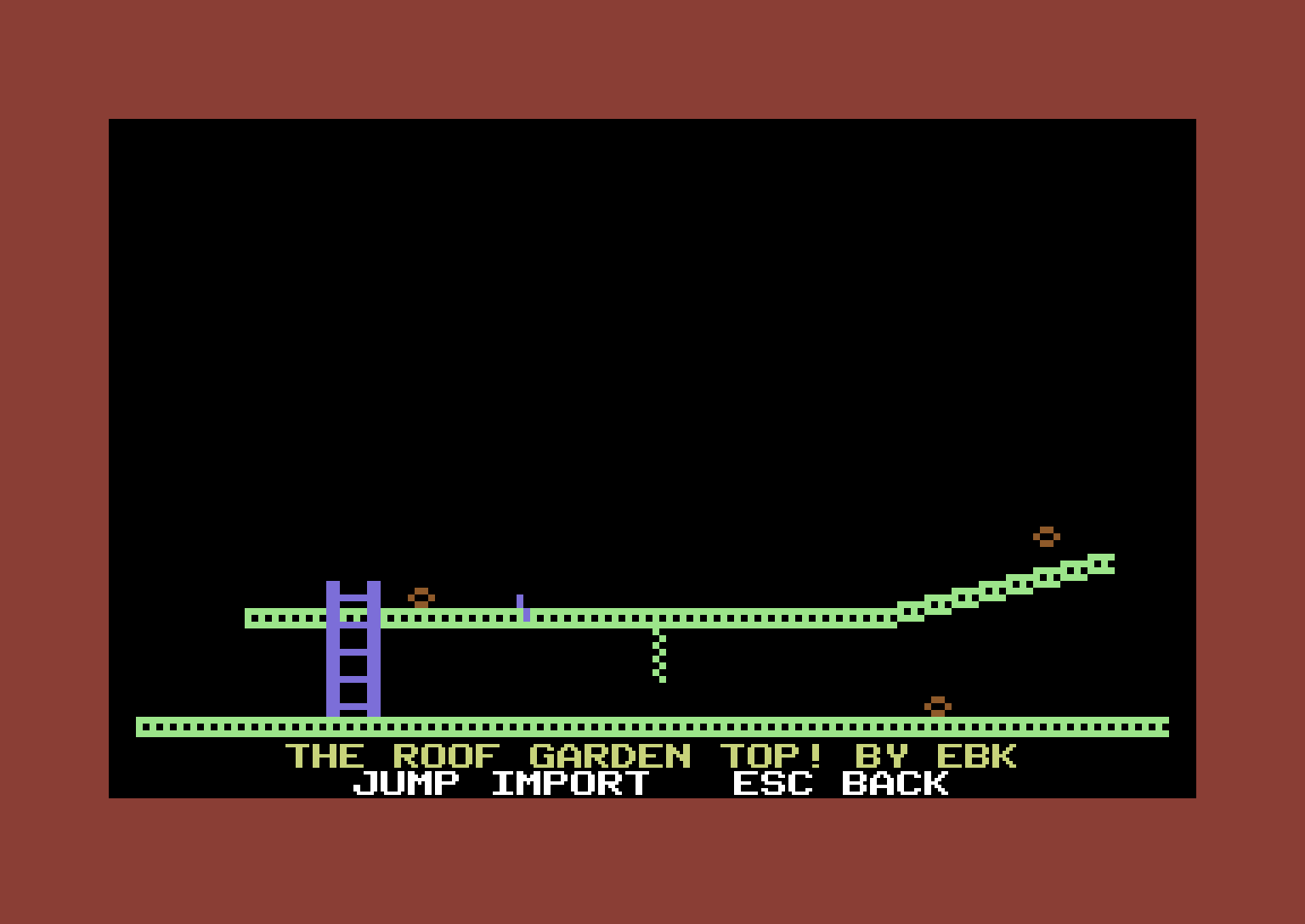
Three steps to your first climb
- Install Leapman and start it. On Windows, run the setup file. On Linux, extract the archive and run
./leapman. - Press ENTER and choose a climb. Then choose the number of players. The Copper tower is the easy start.
- Take every bomb. The arrow keys walk and climb, and SPACE jumps. Clear the level before the bonus runs out.
Keys and rules
Keys
| Arrows | Walk left and right. Up or down climbs a ladder. |
|---|---|
| Space | Jump. With left or right, jump sideways. You can jump from ladders and ropes too. |
| 1 - 8 | Hero speed. 1 is the fastest, 8 is the slowest. |
| + / - | A tenth faster or slower. |
| P | Pause. |
| O | Options. There you can change the keys for moving and jumping. |
| F11 | Fullscreen on and off. |
| Esc | Quit the game. It asks first. |
| B | On the title screen: the level builder. |
| I | On the title screen: import a level. |
Rules
- Each bomb gives 100 points. The bonus counts down while you play. You get the bonus when you clear the level.
- You have 5 lives. Every 10,000 points give an extra life.
- Falls are deadly. Leapman survives a drop of only 3 lines. Go down by a ladder or a down-rope.
- A jump can land on a walkway that is two rows lower or three rows higher. A jump with nothing to land on is deadly.
- Green up-ropes carry you up. Blue down-ropes slide you down. Walk off where a walkway is below you, or jump off.
Get Leapman
Leapman is a free beta. It has no account and no ads, and it does not use the internet. The Windows setup needs no admin rights.
Questions
Is Leapman free?
Yes. This version is a free beta. Read the disclaimer on the download page before you download.
Which systems does it need?
Windows 11, 64-bit. Nobody has tested Windows 10 yet. Or 64-bit Linux: Ubuntu 22.04 or newer, or another Linux with glibc 2.34 or newer, with an X11 or Wayland desktop.
Is there a setup program?
Yes, for Windows. The setup installs Leapman for your Windows user only, and it needs no admin rights. If you select Program Files, it asks for admin rights and installs for all users. For Linux, the download page has an archive.
Why does Windows show a warning at the start of the setup?
The beta has no code signature. Windows SmartScreen can show a warning. Click "More info", then "Run anyway".
Where are my scores and my settings?
In the files scores.txt and settings.txt in the folder of the game. A newer setup keeps them. If the game is in Program Files, the two files are in %APPDATA%\Leapman. On Linux, copy the two files into the new folder.
Where are my own levels?
On Windows, in Documents\Leapman-Custom-Levels. On Linux, in ~/leapman-custom-levels. A newer version of the game finds them there.
Does it work with a gamepad?
Not in this version. Leapman uses the keyboard, and you can change the keys in the options.